Subscription States
Overview
This section of documentation outlines the different statuses a subscription can have throughout its lifecycle and explains what causes a subscription to move into each one.
A subscription's status is described by more than a single label:
- State captures where the subscription sits in its lifecycle (for example, active, paused, canceled, or ended)
- Processing state reflects the health of the most recent order and payment attempt
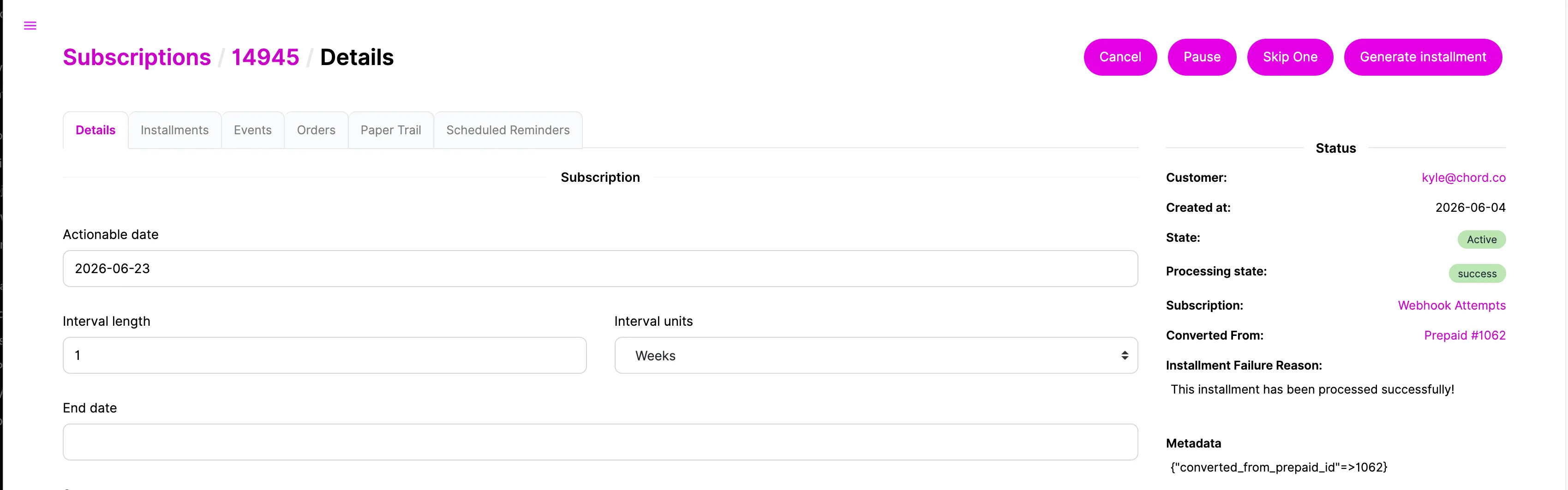
These run independently of one another — so a subscription can be active while its latest charge shows as failed, for instance. The specific statuses available, and the events that trigger them, also vary by subscription type.
The sections that follow break this down for each type:
- Standard/Recurring
- Prepaid
- Gift Prepaid
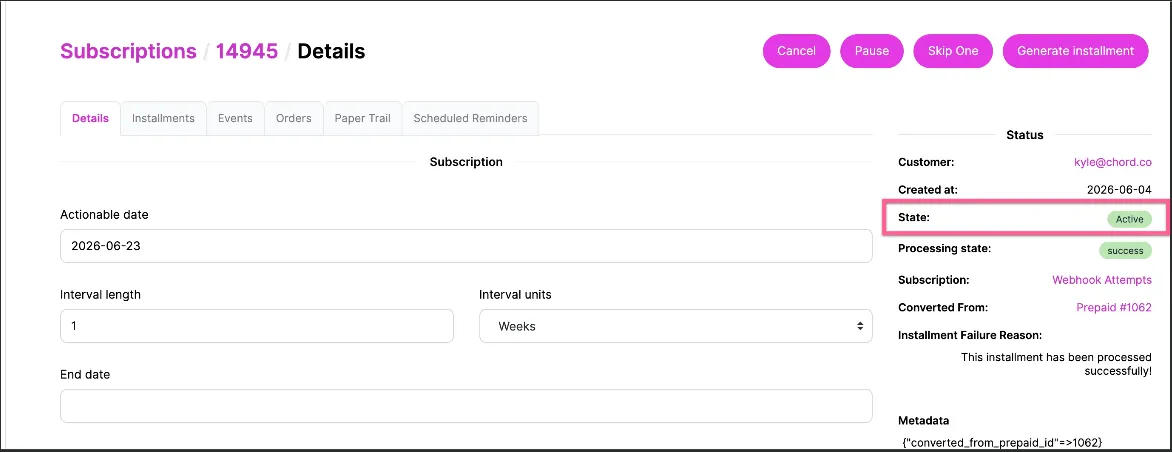
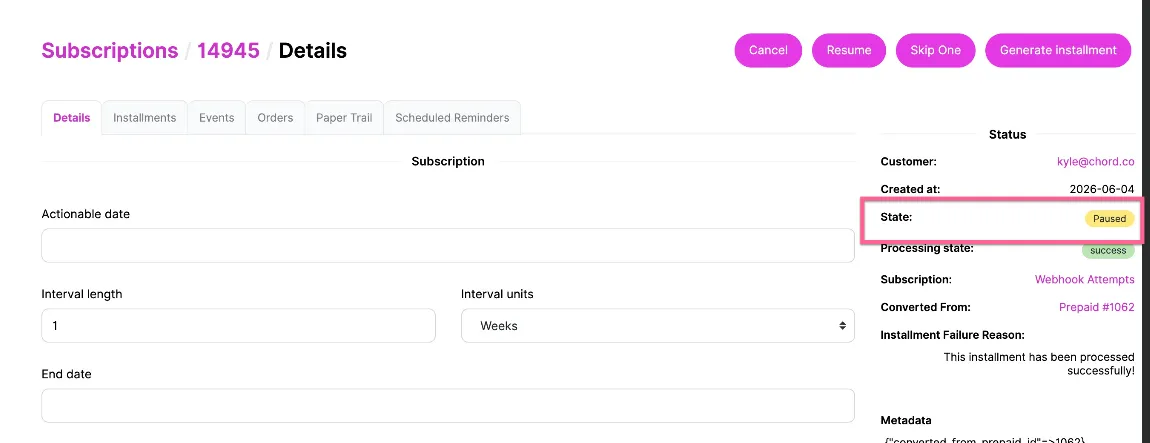
NOTE: A subscription's lifecycle status and its paused/on-hold indicator share a single status badge in the OMS admin UI — when an active subscription is put on hold, that badge simply reads "Paused."
In other words, being paused isn't a separate stage in the subscription's lifecycle — a paused subscription is still Active, just with its upcoming orders temporarily suspended.
The most recent order's processing status is shown separately and updates independently, reflecting the latest payment attempt regardless of where the subscription sits in its lifecycle.
Example
This example happens to be a converted prepaid subscription — covered in the Prepaid section. Note that in the Active screenshot the action button reads Pause; in the Pausedscreenshot it reads Resume.