Enabling Subscription Events
Chord typically sends tracking events to the CDP from two sources via your storefront:
- Your website front-end source, either using the Chord Shopify web pixel or @chordcommerce/analytics, and
- Chord's server events service source, which sends tracking events from a Shopify custom source function in your CDP workspace in response to webhook triggers from Shopify.
When Chord provisions your CDP workspace, it will include Chord's Shopify webhook source. This code listens for webhook events from Shopify and transforms them into CDP events.
Subscription Webhook Topics
Shopify makes availalbe subscription-specific webhook topics that can be emitted via your store to the Chord CDP (much like order & checkout creation), however Shopify limits subscription contracts events to the app that created the contract (i.e. Shopify Subscriptions, Recharge).
Shopify limits Subscription Contracts events to the app that created the contract (i.e. Shopify Subscriptions, Recharge).
As a result, the Chord webhook event app installed within your Shopify store will be unable to listen for subscription-specific webhook events; given this, a workaround to faciliate ingestion of these events is possible through the use of Shopify Flow.
The following subscription webhook topics are supported through this implementation:
- subscription_contracts/create: sends Chord's Subscription Created event
- subscription_contracts/cancel: sends Chord's Subscription Canceled event
- subscripton_contracts/pause: sends Chord's Subscription Paused event
- subscripton_contracts/expire: sends Chord's Subscription Expired event
- subscription_billing_attempts/failure: sends Chord's Subscription Payment Failed event
Shopify Flow
Shopify Flow is your automation and integration platform for ecommerce.
Flow makes it easy to build custom workflows to automate marketing, order fulfillment, inventory management, fraud prevention, and more. Boost productivity and reclaim your time by automating tasks, streamlining business processes, customizing how your store works, or connecting to your favorite apps and external services.
- Automate with hundreds of workflow templates for ecommerce tasks.
- Add custom logic and unlimited actions to any automation.
- Integrate with tags, metafields, B2B, Slack, Google Sheets, and more.
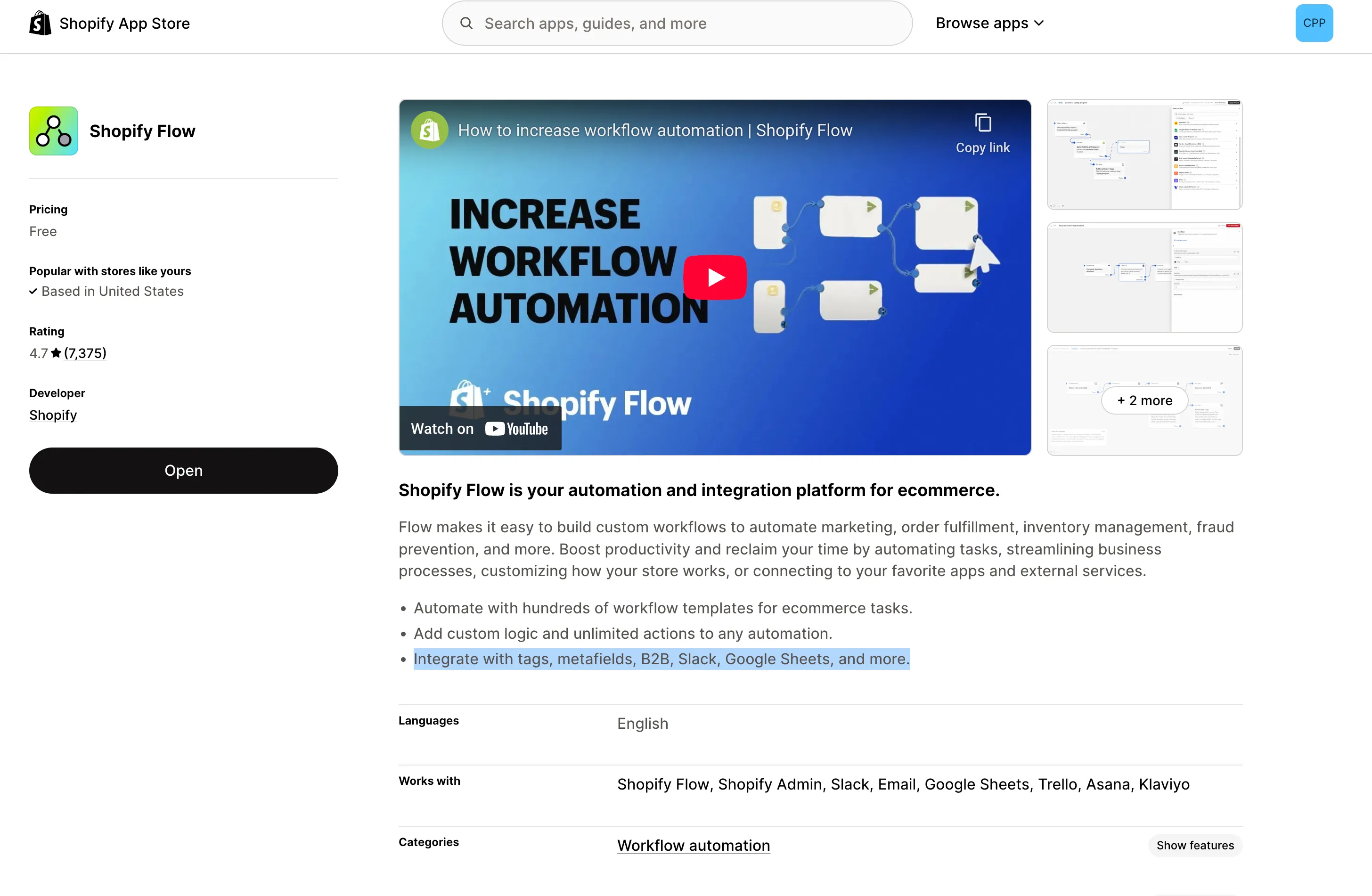
The Shopify Flow app can be used to create workflows that listen for/ingest Subscription-specific webhook events and sends them through to your Chord CDP backend source.
Assumptions
Before installing the Shopify Flow App and creation of the subscription-specific webhook events, confirm with your Chord implementation team that the corresponding back-end webhook eventing app has been installed on your Shopify store. The following steps are assumed:
- Chord already has access to your Shopify store;
- You have access to the Chord CDP;
- Shopify Flow app is either already in-use or is installed; and
- The subscription events to be configured are:
- Subscription Created
- Subscription Cancelled
- Subscription Paused
- Subscription Expired
- Subscription Payment Failed
Installation
As a free app, you should be able to easily install Shopify Flow within your Shopify store. It is possible that your Chord implementation team has already installed the app and if so, will have already installed the flows below. If there are any questions on whether the app is present or if these flows have already been set-up, please reach out to [email protected].
Importing Flows
Click Import Flowand import the provided .flow files below:
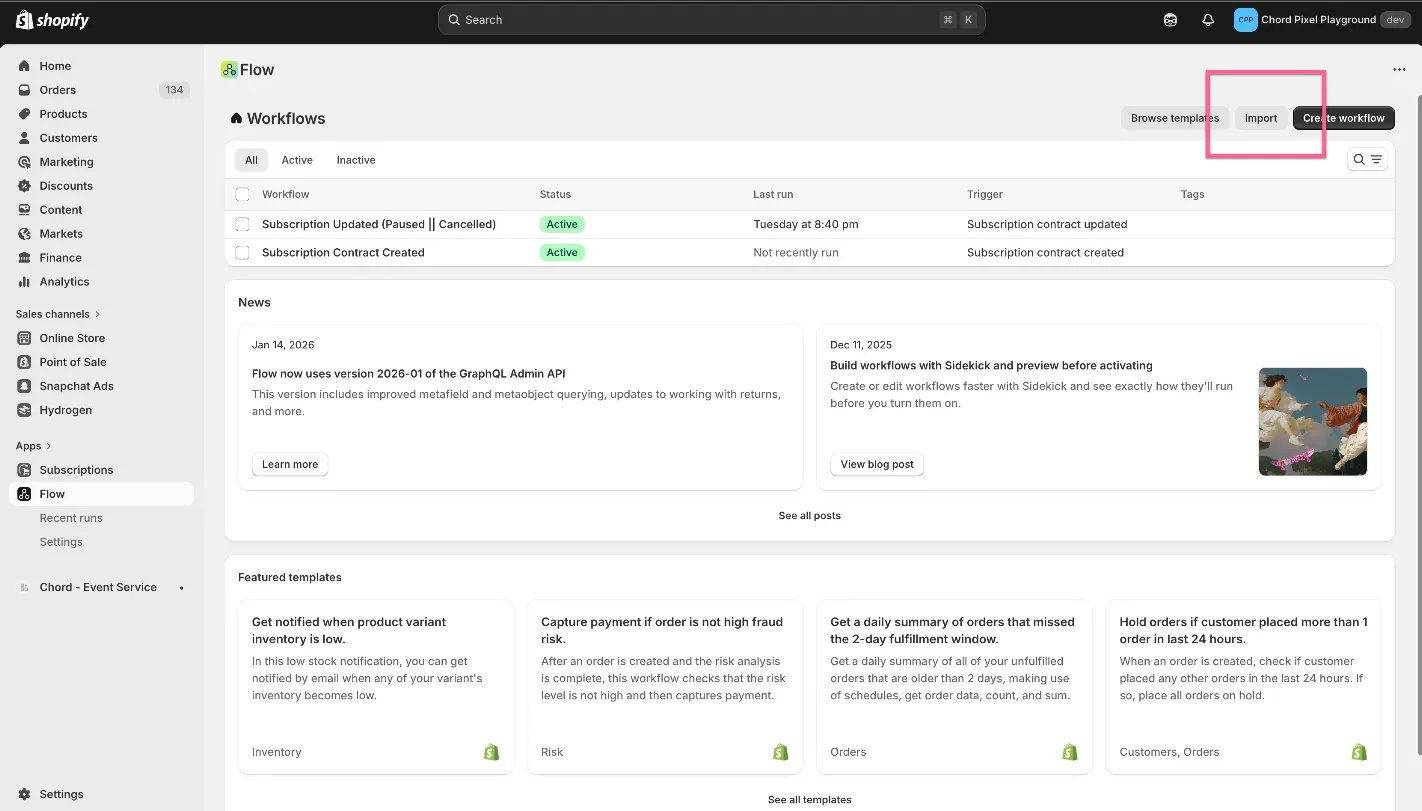
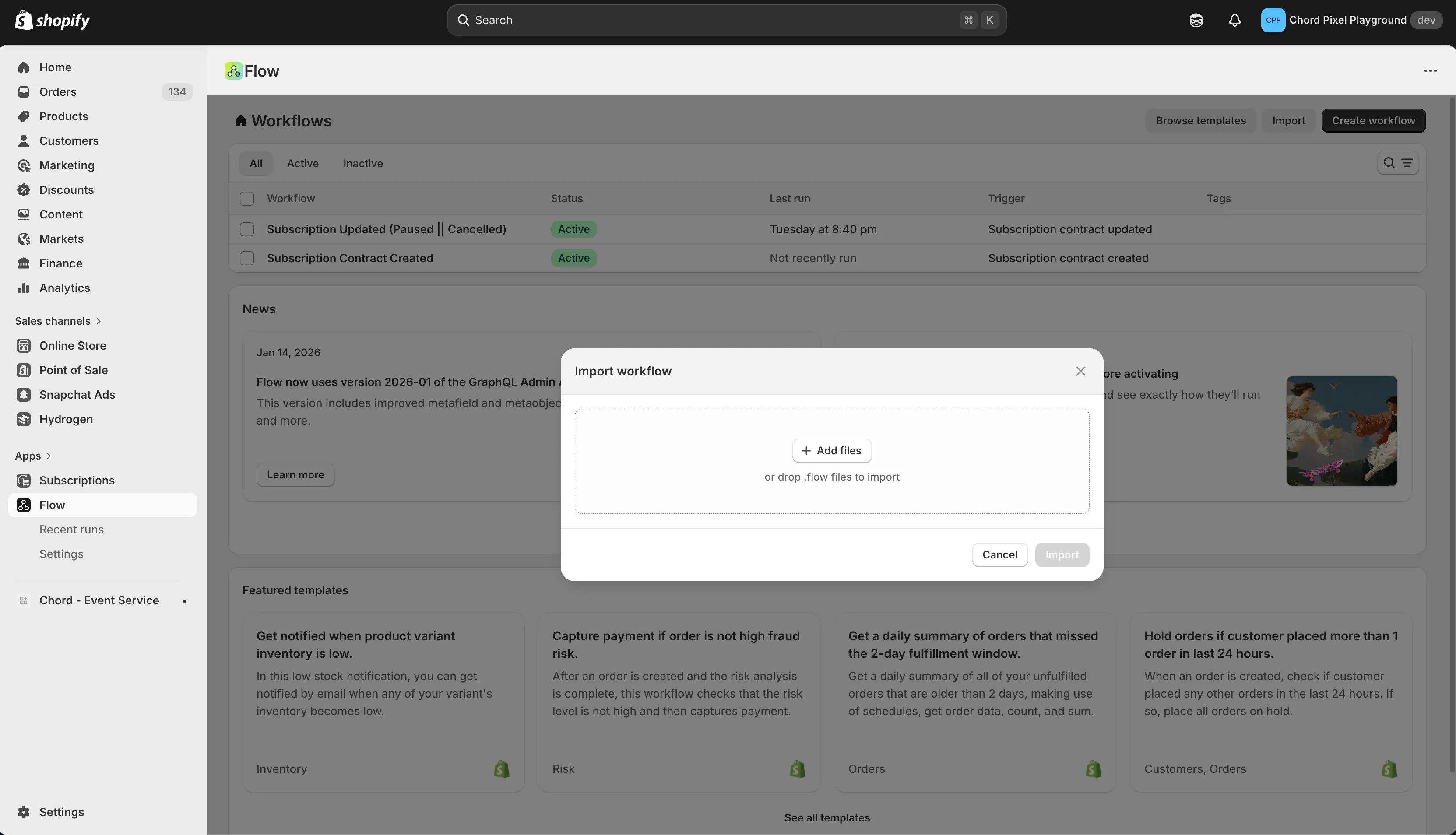
.flow Files
Take these .flow files and ipmort them into your Shopify Flow app import modal:
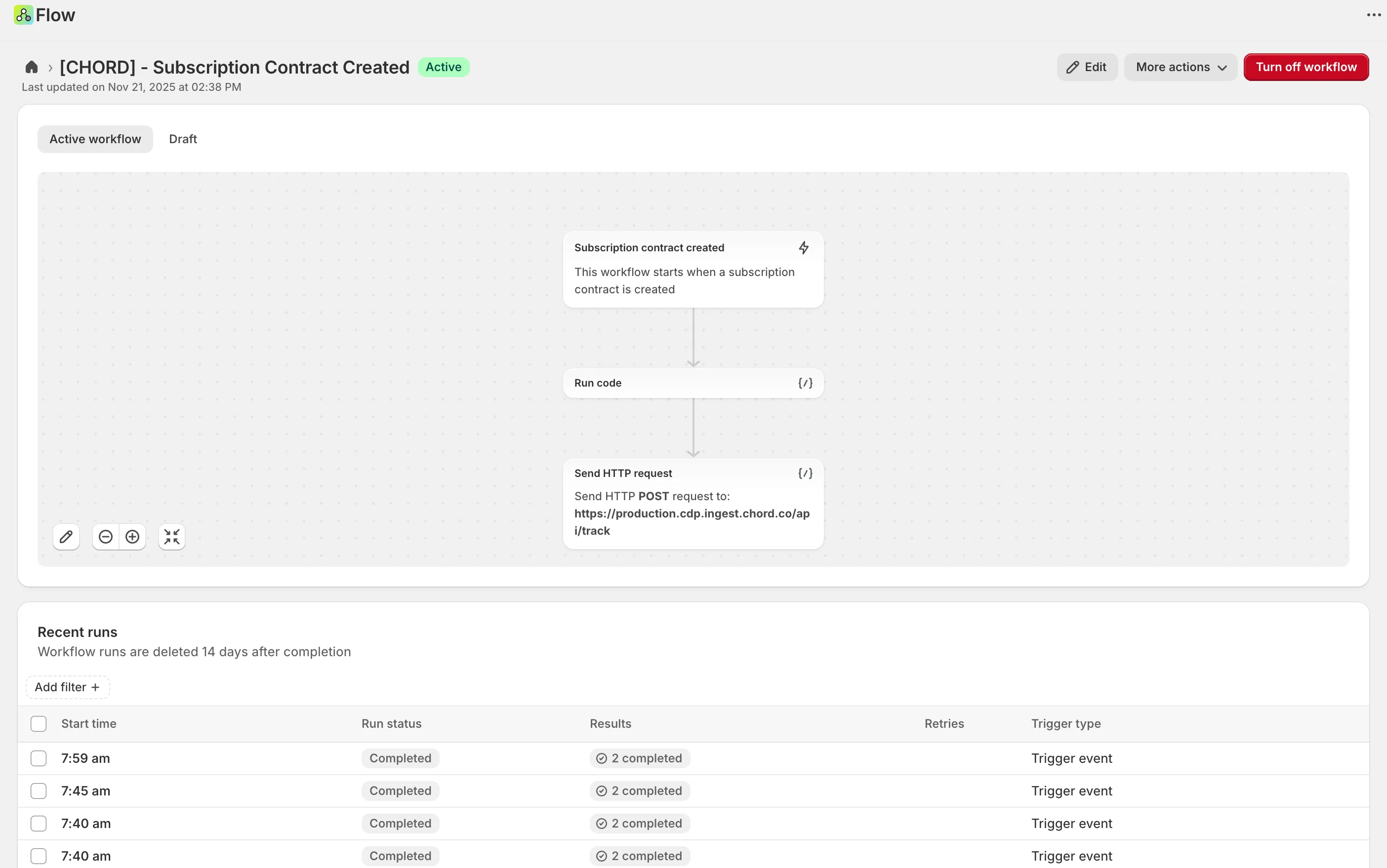
Validate & Review
- Verify the configuration in Shopify:
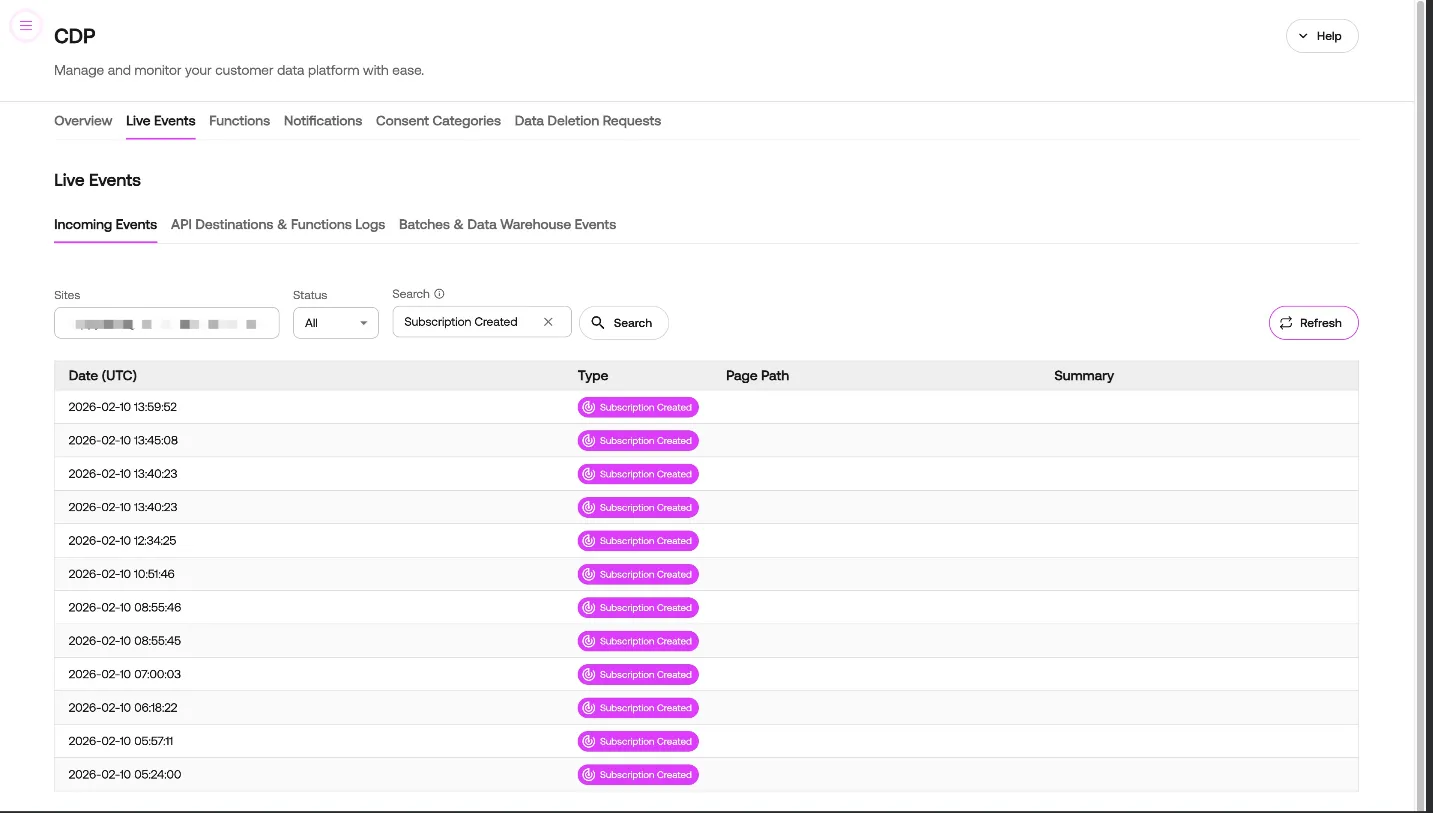
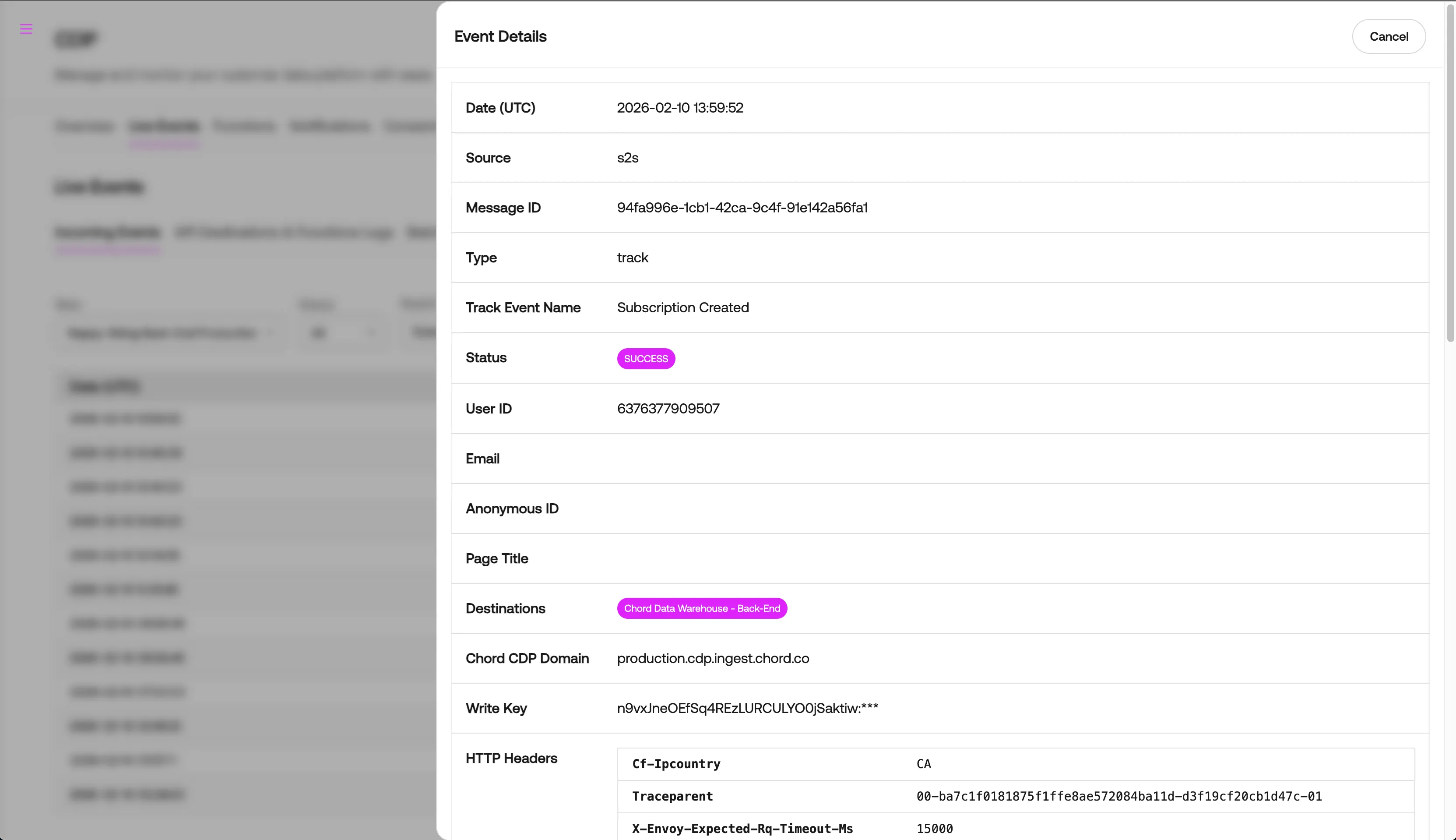
- Verify the successful delivery of events in Chord CDP from your configured Back-End Source:
If you are experiencing any issues with configuring webhooks in Shopify or do not see Subscription events in your CDP back-end source, please reach out to [email protected] with any questions/concerns.